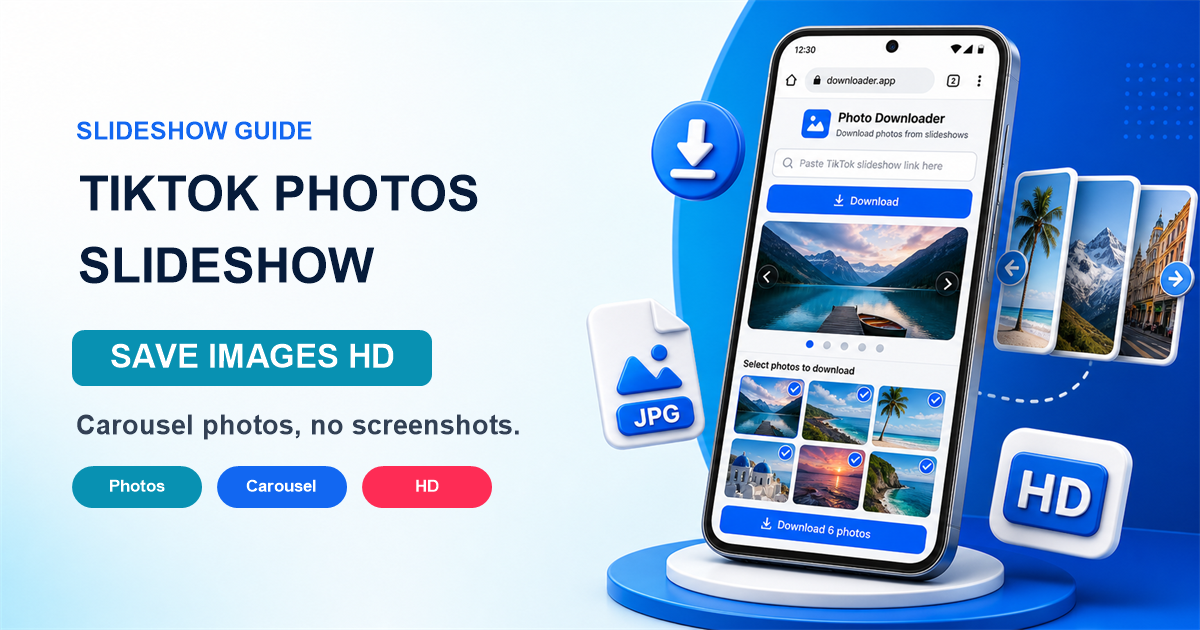
How to Download Individual Photos from TikTok Slideshows & Carousels
A practical guide to saving original images from public TikTok slideshows and carousels without relying on cropped screenshots.
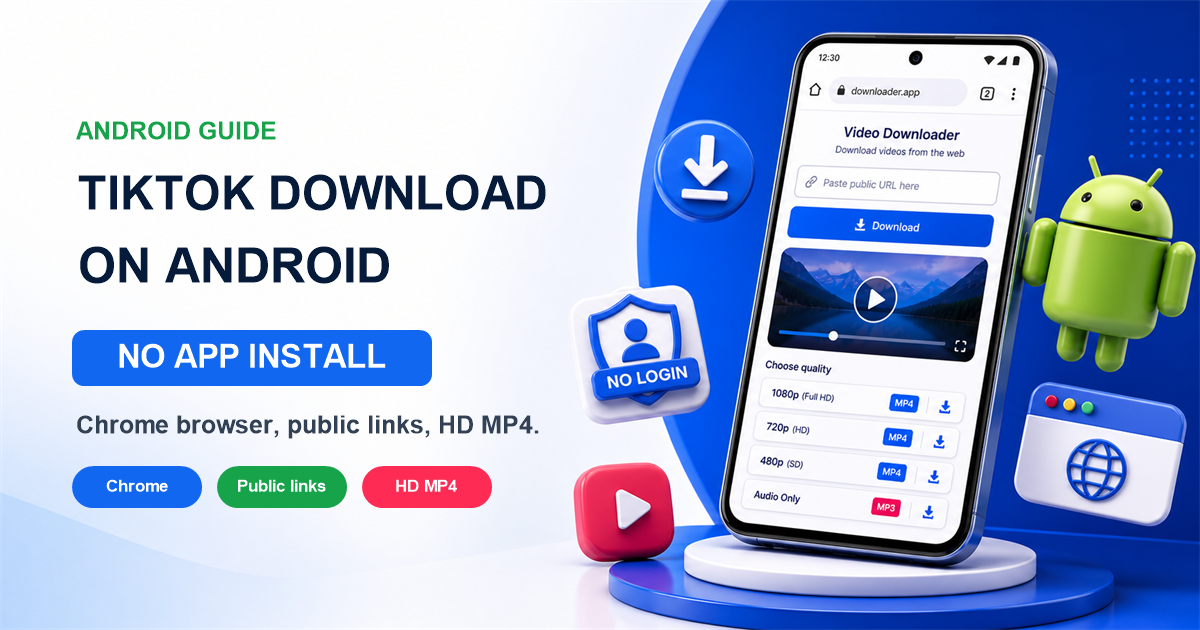
Paste a public TikTok link to save a clean HD MP4 in your browser. No app, no login.
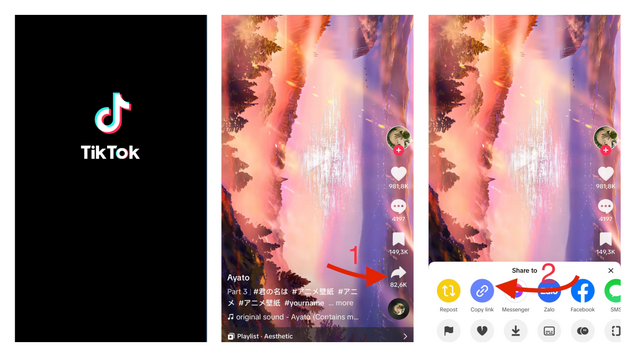
Open the TikTok app or website, find the video you want to save, tap Share, then choose Copy Link.
Paste the copied TikTok URL into the input field at the top of this page.
Click the Download button and choose an available HD MP4, MP3, or photo option to save the file.
A practical guide to saving original images from public TikTok slideshows and carousels without relying on cropped screenshots.
A practical Android guide for downloading public TikTok videos in Chrome without installing APKs, extensions, or third-party apps.
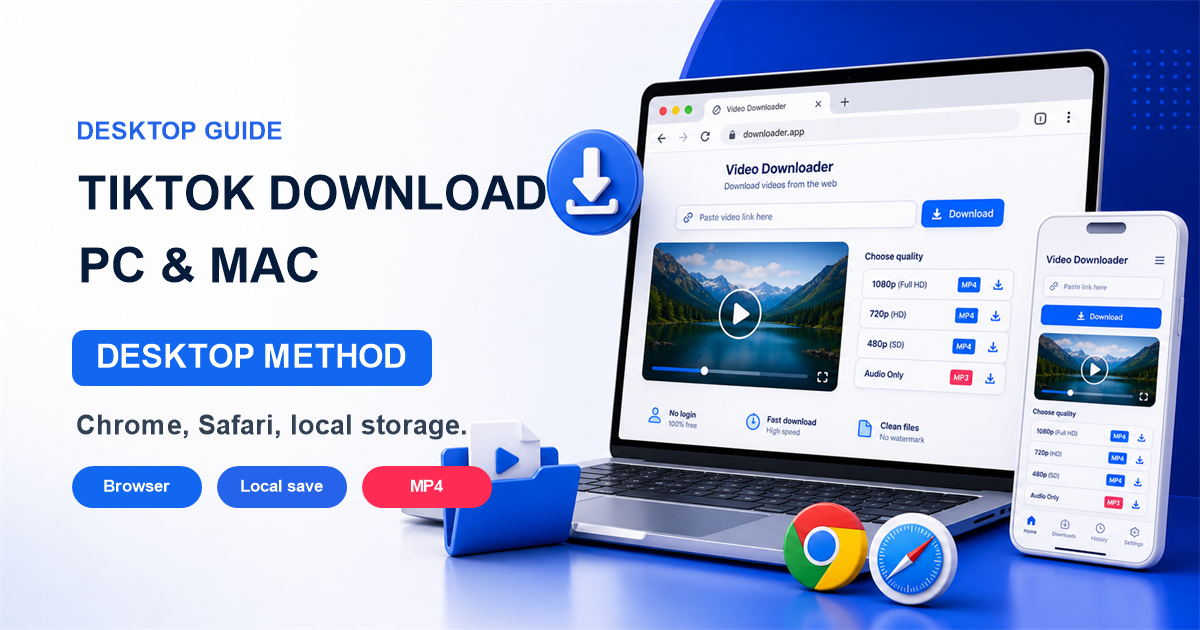
A desktop guide for saving public TikTok videos on Windows and macOS using Chrome, Edge, Firefox, or Safari with practical file-management tips.
Open the TikTok app, find the video you want, tap the Share icon (usually an arrow or WhatsApp button on the bottom right), and tap 'Copy link'. You can now paste this URL into TikGet.
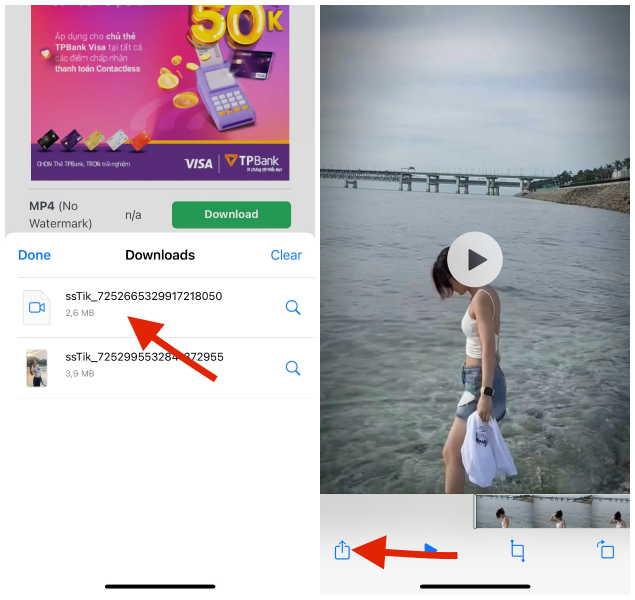
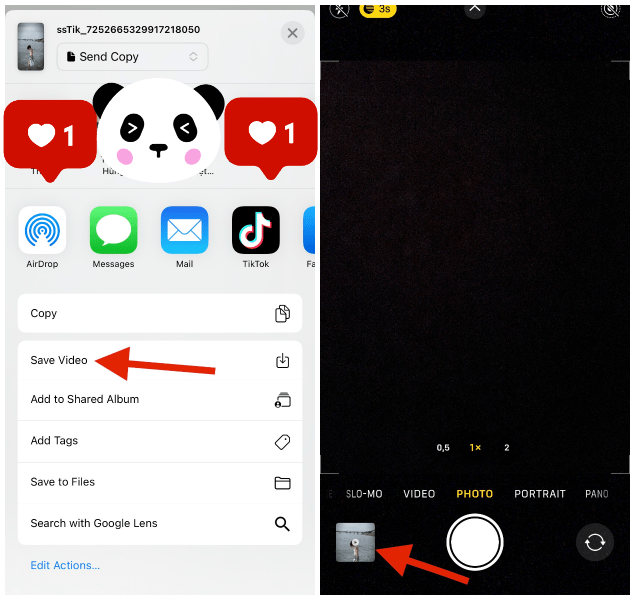
On iOS devices, files downloaded via Safari are saved to the 'Downloads' folder inside the native 'Files' app by default (or iCloud Drive). To move the video to your camera roll, open the Files app, locate the video, tap the Share icon, and select 'Save Video'.
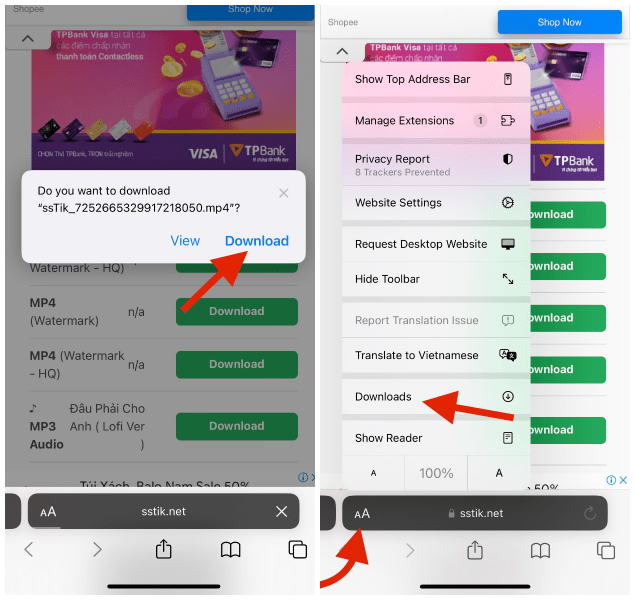
Tap the Download button in Safari when prompted to save the video.
Open the native Files app on iOS and find your downloaded MP4 file.
Open the video, tap the Share icon, and select 'Save Video' to move it to your photos.
Save public TikTok videos as clean MP4 files when a watermark-free source is available.
Download files in the highest resolution available, supporting 720p, 1080p, and 4K.
Download slideshow photos individually, render carousels as MP4, or extract MP3 audio tracks.
Paste a public link and process it online. No account, app install, or browser extension required.
Works directly in your web browser. No browser extensions or desktop apps needed.
Perfectly compatible with iPhone, iPad, Android phones, Windows PCs, and MacBooks.
No, TikGet is completely free to use. There are no subscriptions, registration fees, or hidden charges.
When a clean public source is available, TikGet shows a watermark-free MP4 option. Availability can vary by post type, privacy setting, and region.
Paste the slideshow link in the input box. You can then download all high-resolution images individually or convert them into an MP4 video.
No. TikGet does not host downloaded files or build a public archive of processed videos. Links are handled in real time for the current request.